
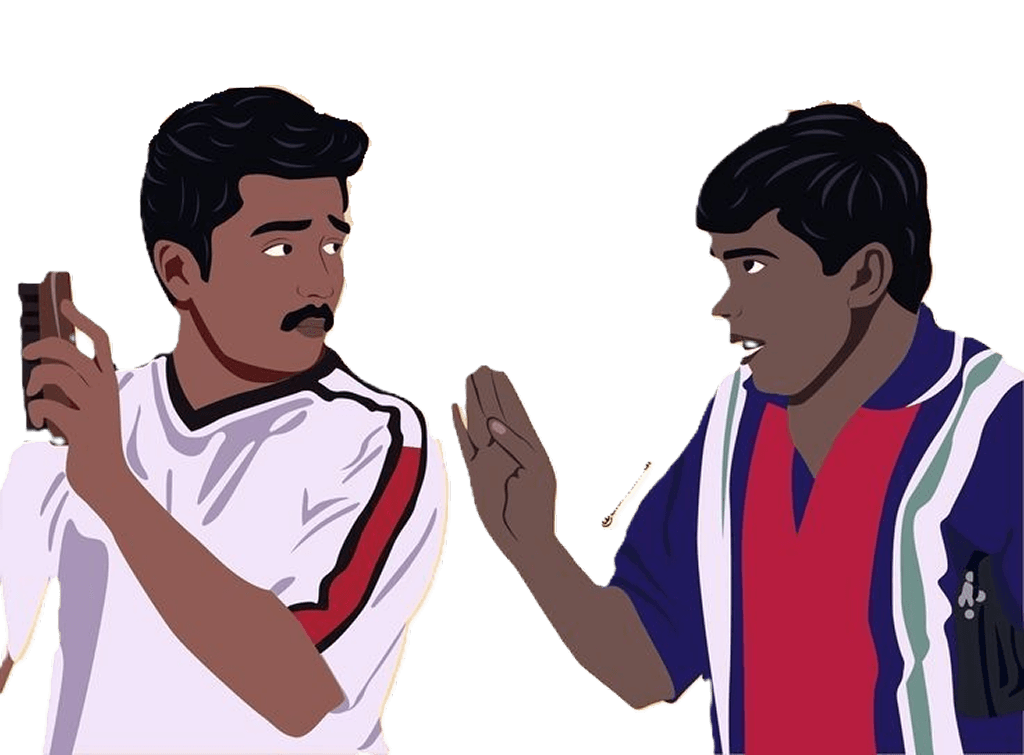
Un desktop-ku
oru aal theva.
Meet Swingo — a tiny interactive companion that hangs around your screen, swings with physics, and adds a little chaos to your everyday desktop.
He’s just hanging around. 🪢
Go on. Give Swingo a try.
Drag it. Flick it. Watch it swing.
Your screen. Your Swingo.
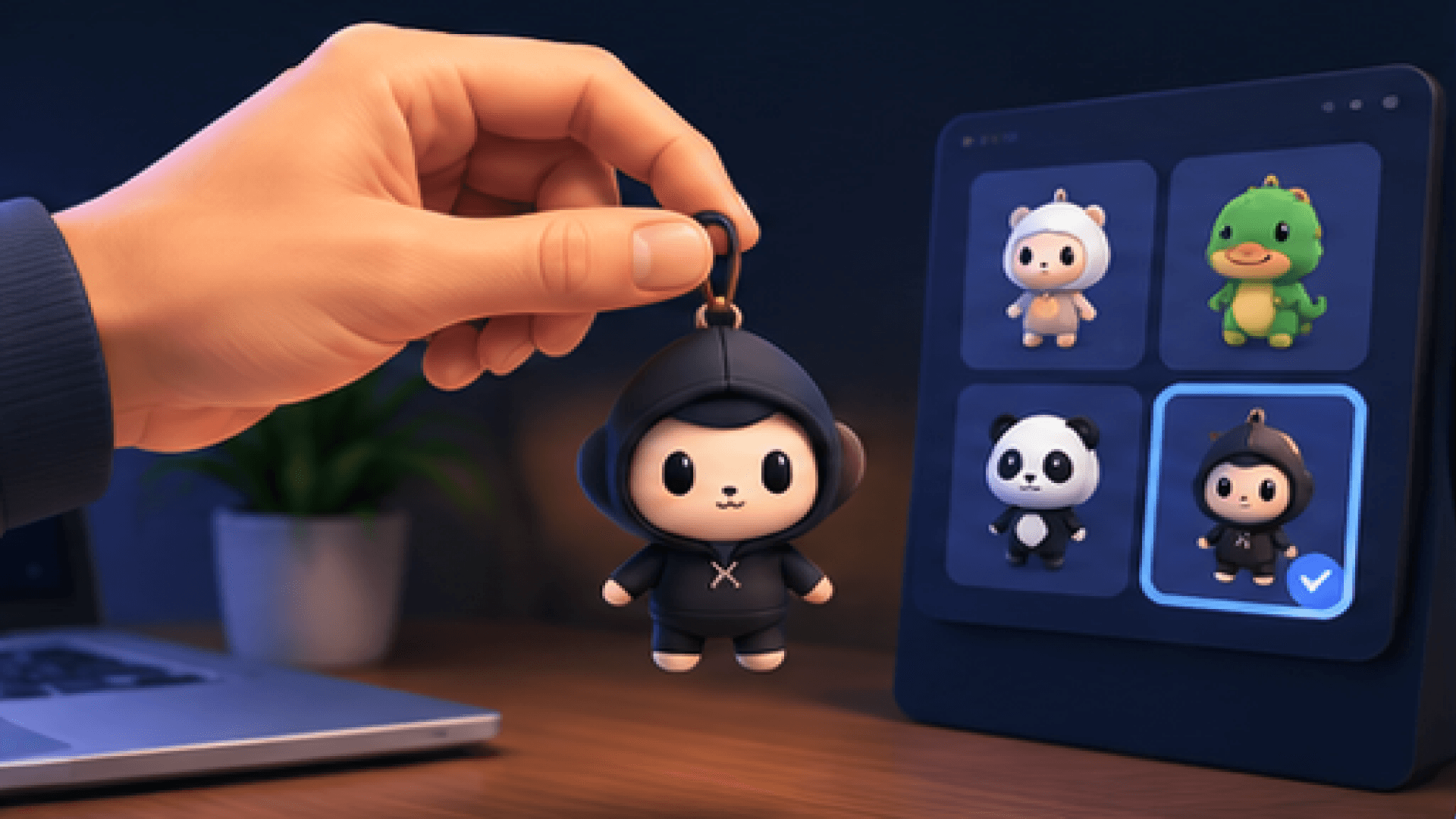
Pick a character, change its size and position, or add your own image.
A charm for every personality.
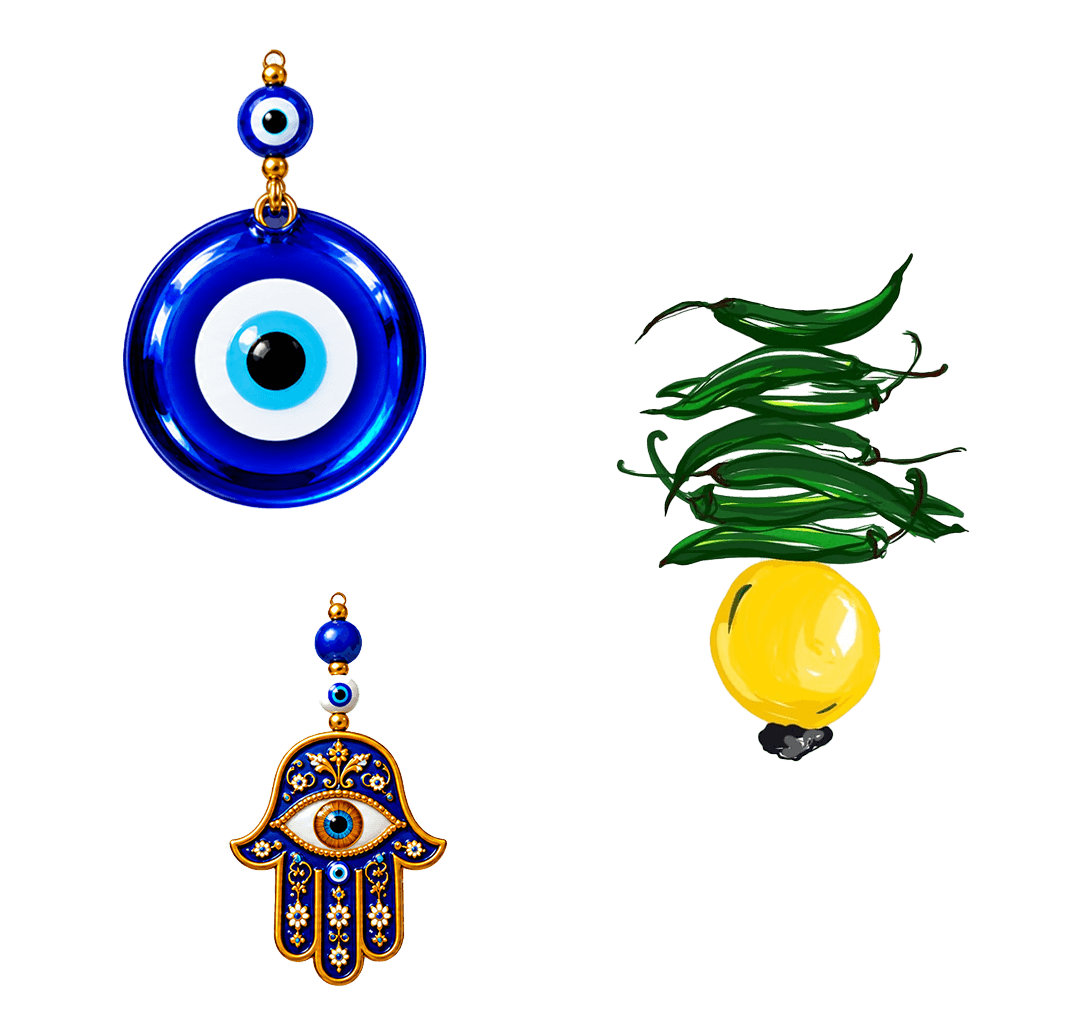
Protection
Evil eye, Hamsa, and lemon chillies for good vibes.

Religion
Daruma, Maneki-neko, and fortune bells that hang around.

Memes
Animated floating companions reacting to gravity.
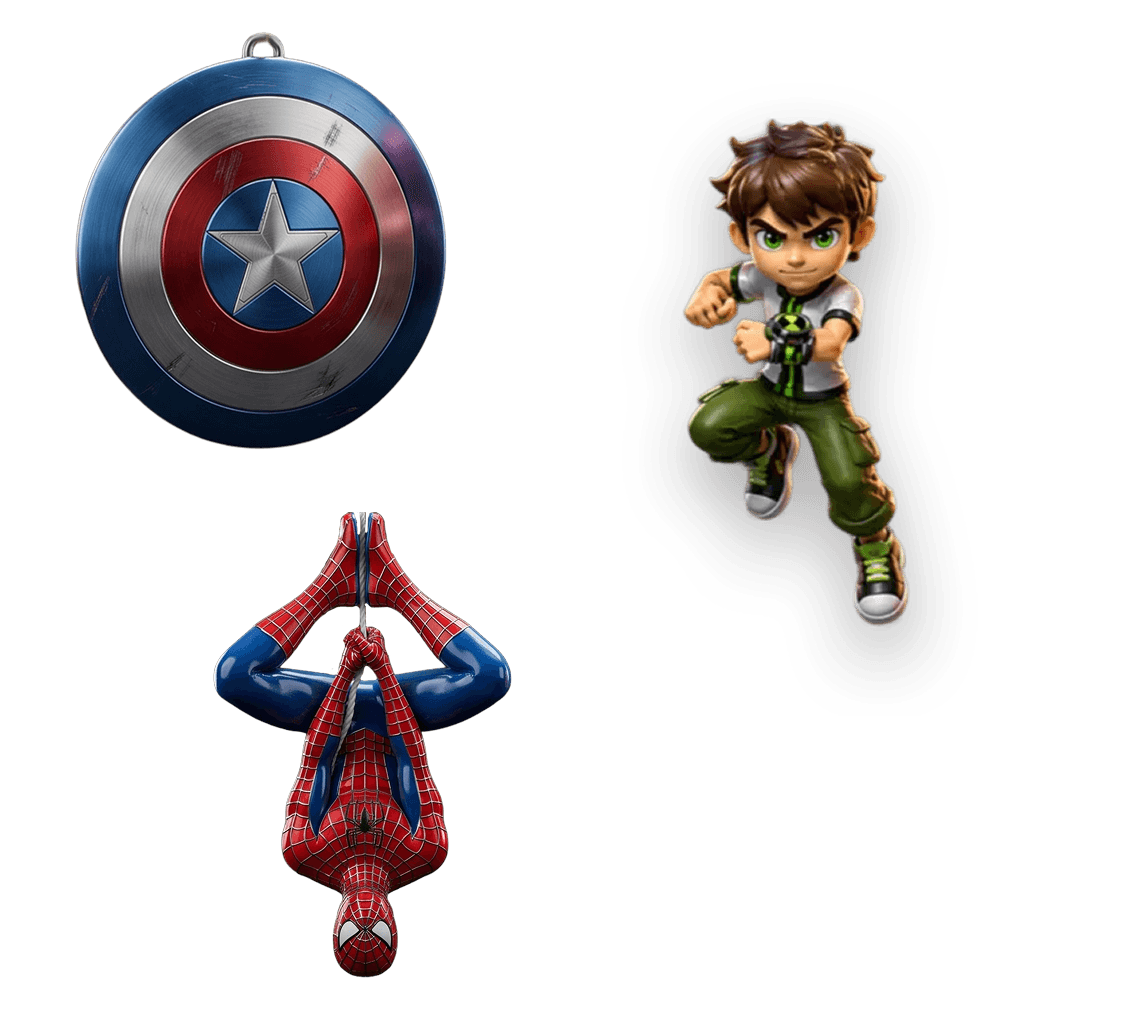
Game character
Stars, hearts, diamonds and minimalist physics charms.
Swingo can do a Little more.
It may hang around your Screen, but Swingo comes with handy controls that make everyday desktop actions just a Playful way.
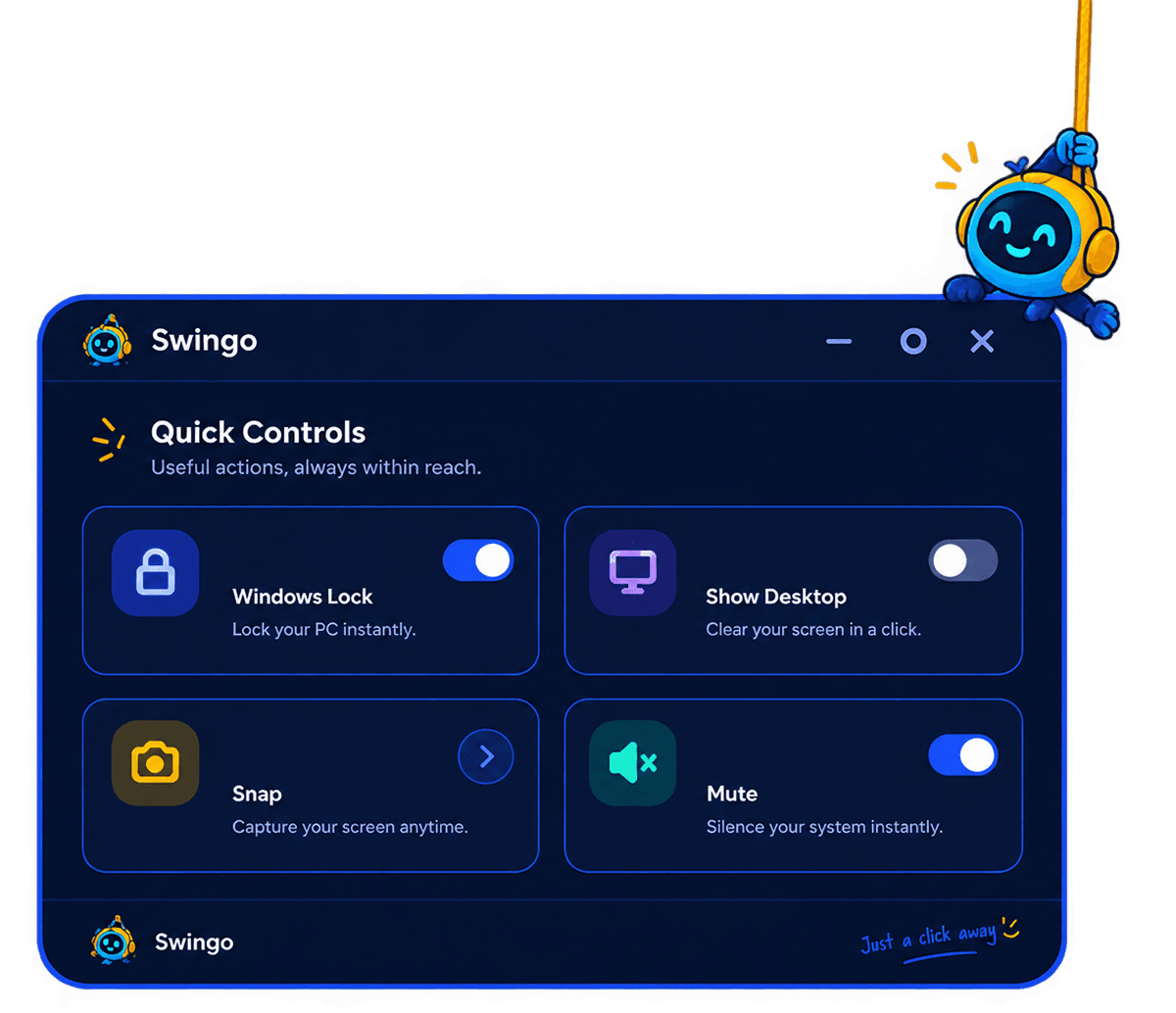
Windows Lock
Lock your PC instantly.
Keep your desktop secure without reaching for the Start menu.
Show Desktop
Clear your screen in a click.
Instantly hide your open windows and reveal your desktop.
Snap
Capture what's on screen.
Take a quick screenshot whenever you need one.
Mute
Silence your system instantly.
Mute your computer's volume with a single click.
Pick. Place. Swing.
Three simple steps. Zero complicated setup.
Choose your dangle
Choose your favourite companion.
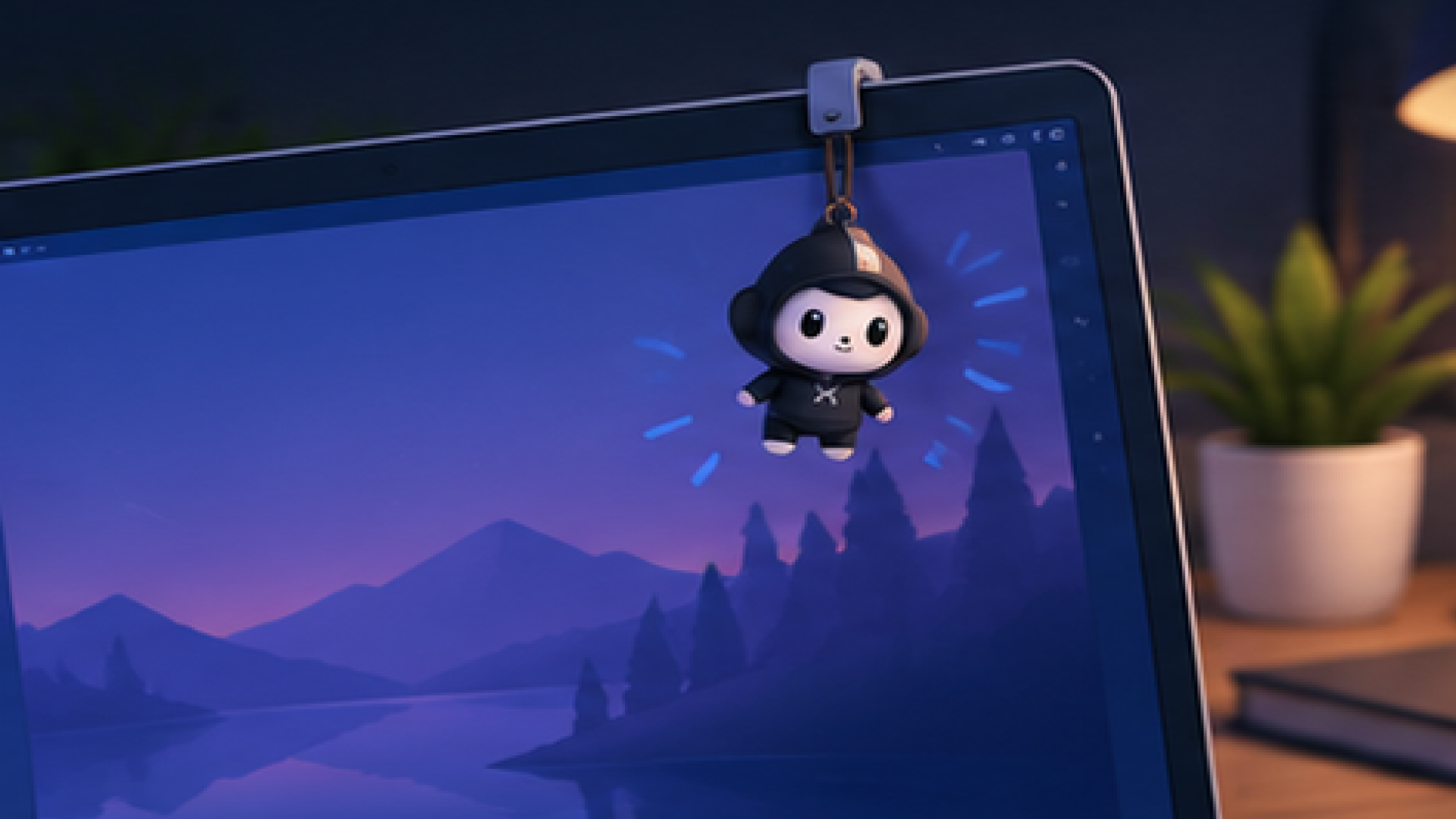
It sits at the top of your screen.
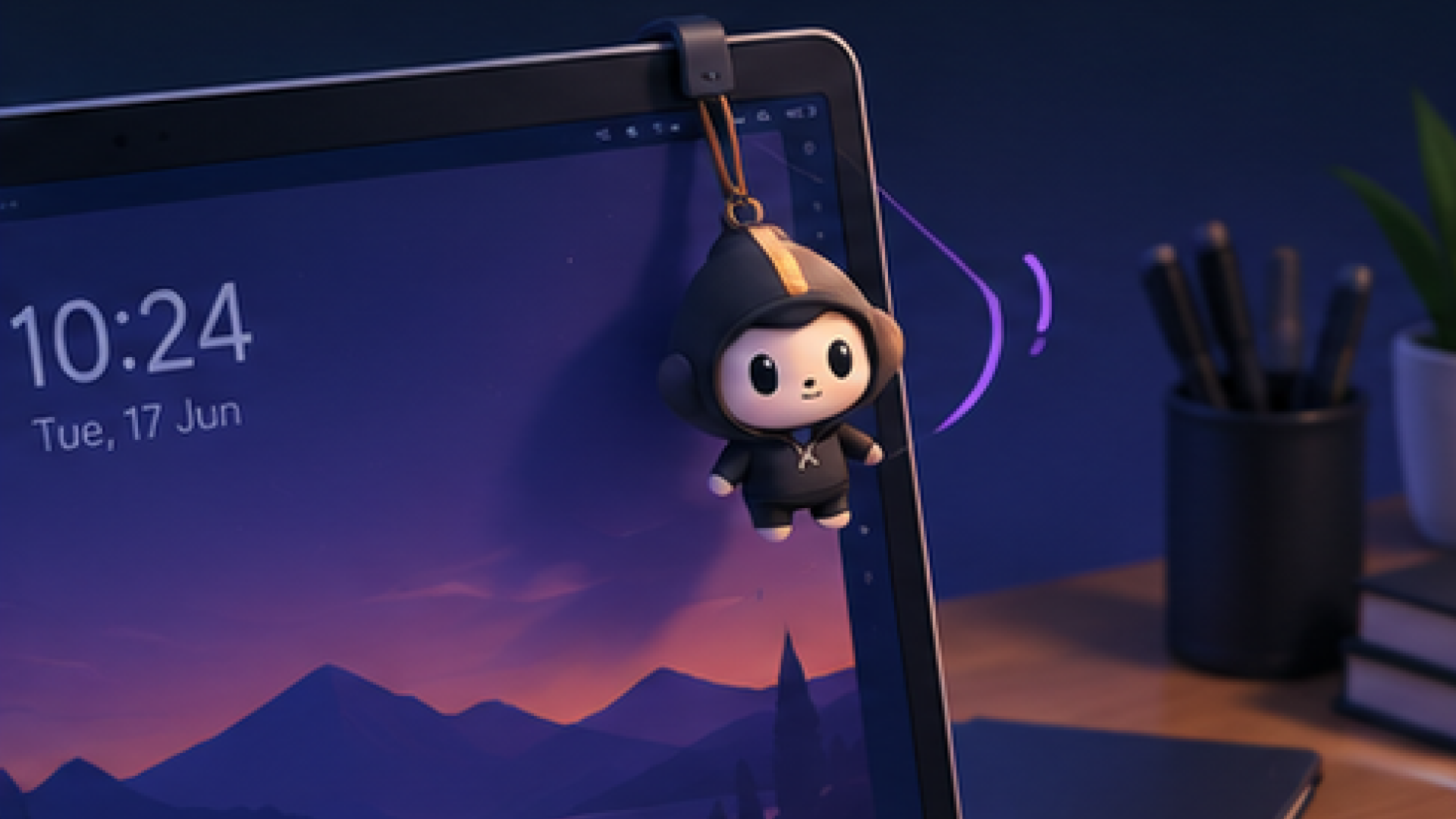
Move them around and make them fit your screen.
Now forget about them.
They'll be right there when you look back.
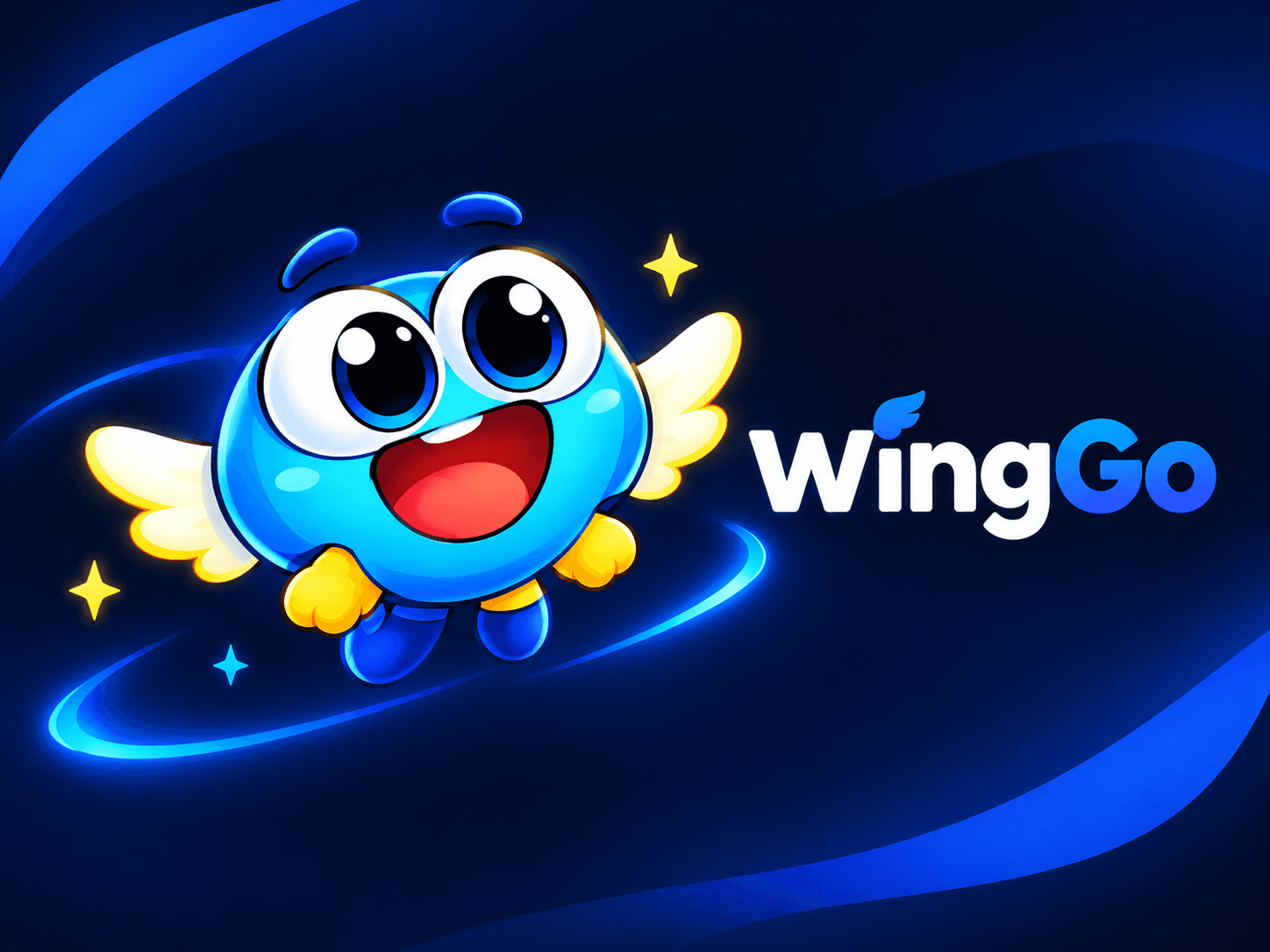
Meet WingGo — Your Android Companion
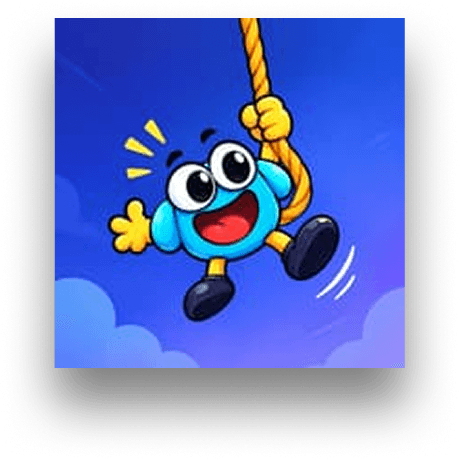
WingGo brings the charm experience to your mobile screen! Featuring an animated flying mascot with floating overlay controls that hang around while you scroll and use other apps.
Give your screen a personality upgrade today.
Available on Windows 10/11 and macOS Apple Silicon & Intel. Completely free, no ad tracking, and no monthly subscriptions.


Could a desktop & mobile feel a little more personal?
Swingo & WingGo started with a simple idea: your screens can carry a little more of the things that matter to you. Built independently, actively maintained, and continuously updated.
Questions you probably have.
Everything you need to know about desktop companions, safety, and why Swingo is hanging from your monitor.
Swingo is an interactive desktop companion that hangs from the top of your monitor or active windows. It features realistic physics animations and quick utility controls to keep your workflow fun and convenient.
Yes! Swingo is completely free and open source. There are no monthly subscriptions, hidden fees, or ad tracking.
Swingo supports Windows 10/11 (both Apple Silicon and Intel chips). Linux and MacOS support is currently in development.
Absolutely! You can upload custom PNG assets directly into Swingo to turn your favorite characters, logos, or memes into screen companions.
No, you can't spawn multiple companions on a single display.
Not at all. Swingo is engineered to be extremely lightweight, utilizing low system resources so your gaming FPS remains completely unaffected.